Telegram Channel Search API Tutorial
Search a public Telegram channel's history by keyword with one REST API: baseline the channel, run in-channel search, and rank matches — one SandBase key.

When you research a public Telegram channel, you rarely want the whole feed — you want the posts about one topic. This tutorial builds a focused keyword search over a channel’s history with the SandBase Telegram API: baseline the channel, run in-channel search, and rank the matches by reach. One SandBase key, no MTProto client and no Telegram login.
For the full endpoint tour, see the Telegram public data API hub. This piece is the applied search workflow.
Key takeaway
- Two steps:
channel-info(baseline) →channel-search(in-channel keyword search).- Every call is
POST /v1/api/telegram/<path>with oneSANDBASE_API_KEY; a completed run carries anoutputsarray, while a failed or timeout run carrieserrorand nooutputs.channel-searchtakes achannelusername and aquery; it returns a matched-message list you can rank by the fields each message carries.- Public, read-only data only; no Telegram login of your own, but a SandBase API key is still required.
The workflow at a glance
| Step | Endpoint | Input | You get |
|---|---|---|---|
| 1. Baseline | telegram/web/channel-info | channel | subscribers, counters, verified |
| 2. Search | telegram/web/channel-search | channel, query | matched messages for the keyword |
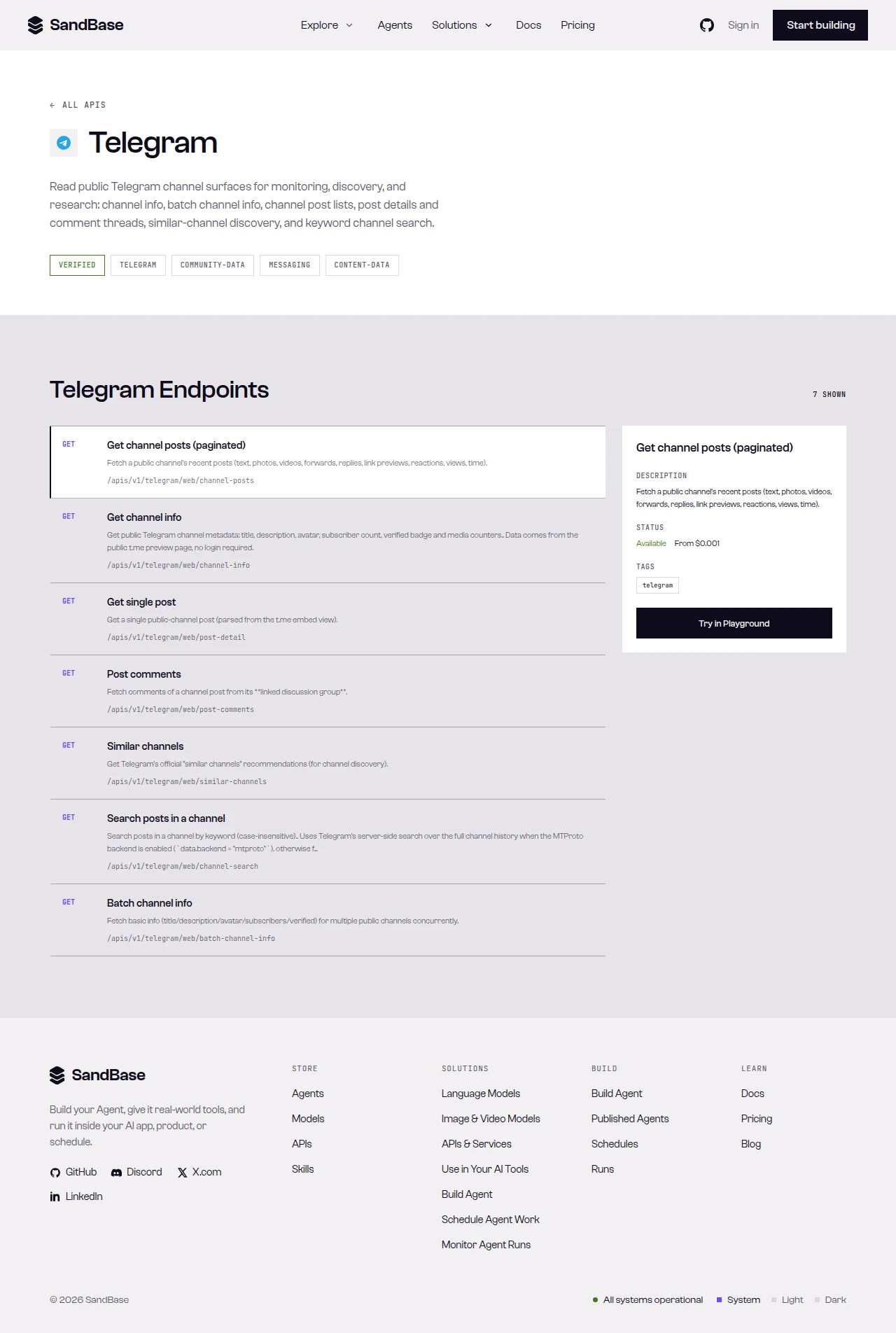 The endpoint API reference is the source of truth for each parameter name and response path.
Step 1 — Baseline the channel
Start with a shared helper that branches on status, then read the channel so your results have context — a match on a 10-million-subscriber channel means something different from one on a niche channel:
import os
import requests

BASE = "https://api.sandbase.ai/v1/api/telegram"
HEADERS = {
    "Authorization": f"Bearer {os.environ['SANDBASE_API_KEY']}",
    "Content-Type": "application/json",
}


def call(path: str, payload: dict) -> dict:
    resp = requests.post(f"{BASE}/{path}", headers=HEADERS, json=payload, timeout=90)
    resp.raise_for_status()
    body = resp.json()
    if body.get("status") != "completed":
        raise RuntimeError(body.get("error", {}).get("message", "request did not complete"))
    # The reference guarantees only the envelope; business fields vary by
    # endpoint, so read defensively and confirm against a live response.
    return body["outputs"][0]["data"]


info = call("web/channel-info", {"channel": "telegram"})
print(info.get("title"), info.get("subscribers"), info.get("verified"))
The block below is a real response I tested on 2026-09-27 (UTC) — a completed run carries the business fields under outputs[0].data, so the code still reads each one with .get() because the values (subscriber count, counters) move over time and the live response is the source of truth:
{
  "id": "8c815356-e1f6-4668-959c-375f9471822f",
  "status": "completed",
  "model": "telegram/web/channel-info",
  "outputs": [
    {
      "data": {
        "title": "Telegram News",
        "username": "telegram",
        "subscribers": "9.46M",
        "verified": true,
        "counters": { "photos": "16", "videos": "228", "links": "378" }
      }
    }
  ]
}
Step 2 — Search the channel by keyword
Run an in-channel search. channel-search takes the channel username plus a query, and returns matched messages:
def search_channel(channel: str, query: str) -> list[dict]:
    data = call("web/channel-search", {"channel": channel, "query": query})
    return data.get("messages", [])


matches = search_channel("telegram", "update")
for m in matches[:5]:
    print(m.get("id"), m.get("date"), (m.get("text") or "")[:60])
Each matched message carries fields like id, date, text, text_html, an author, a link_preview, views, media, type, url, and forwarding flags (is_forwarded, forwarded_from, reply_to). The block below is a real response I tested on 2026-09-27 (UTC); values such as matched, the ids, and views move over time, so read defensively and treat the live response as the source of truth:
{
"id": "8c815356-e1f6-4668-959c-375f9471822f",
"status": "completed",
"model": "telegram/web/channel-search",
"outputs": [
{
"data": {
"channel": "telegram",
"matched": 20,
"messages": [
{
"id": 460,
"date": "2026-08-26T19:12:34+00:00",
"text": "…",
"views": "1.48M",
"is_forwarded": false
}
]
}
}
]
}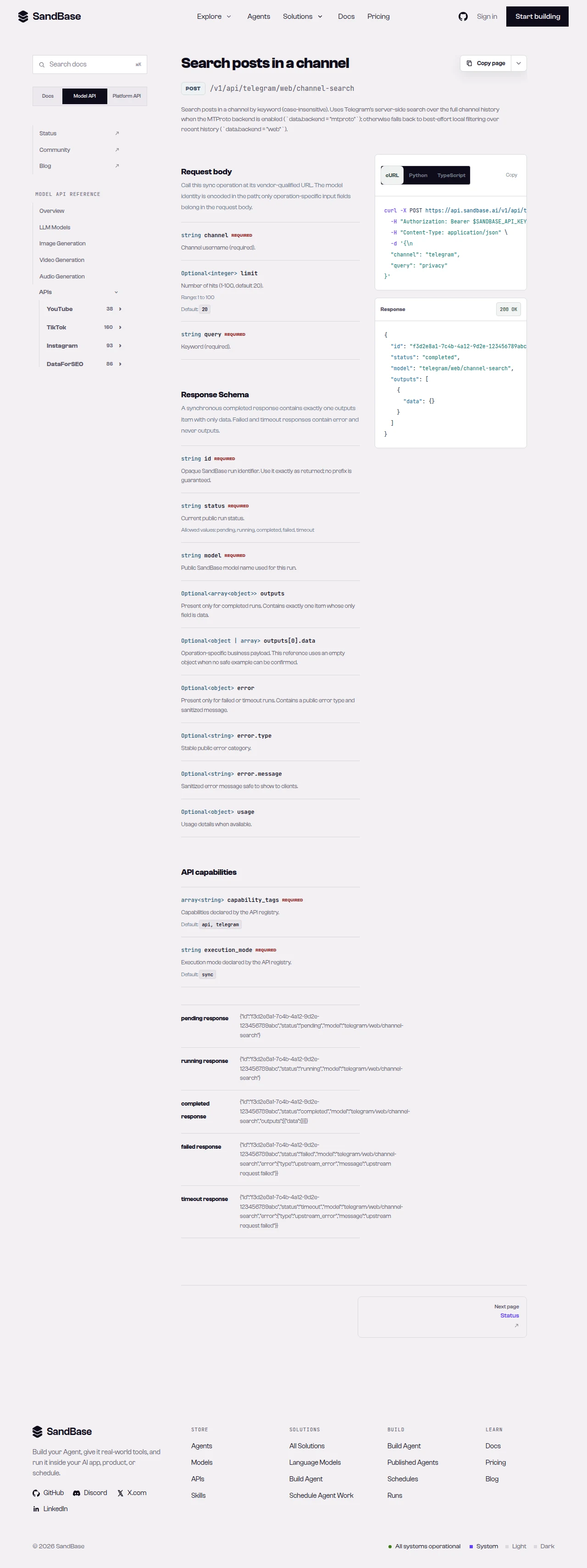 channel-search takes a channel username and a query, and returns matched messages.
Step 3 — Rank the matches
The raw match list is chronological. For research you usually want the matches that traveled furthest, so rank by the reach signal each message carries (views, tested on 2026-09-27 (UTC)) and keep the top results:
def rank_matches(matches: list[dict]) -> list[dict]:
    def views(m: dict):
        # views is a formatted string like "1.48M" in the tested response;
        # values change, so parse defensively and fall back to 0 when absent.
        raw = m.get("views")
        if isinstance(raw, (int, float)):
            return raw
        if isinstance(raw, str):
            mult = {"K": 1_000, "M": 1_000_000}.get(raw[-1:], 1)
            try:
                return float(raw[:-1]) * mult if mult > 1 else float(raw)
            except ValueError:
                return 0
        return 0

    return sorted(matches, key=views, reverse=True)


for m in rank_matches(matches)[:10]:
    print(m.get("views"), "-", (m.get("text") or "")[:60])
Because the reach field can be a human-formatted string, the helper parses it defensively and falls back to 0 when it is missing — confirm the exact field and format against a live response before you depend on it.
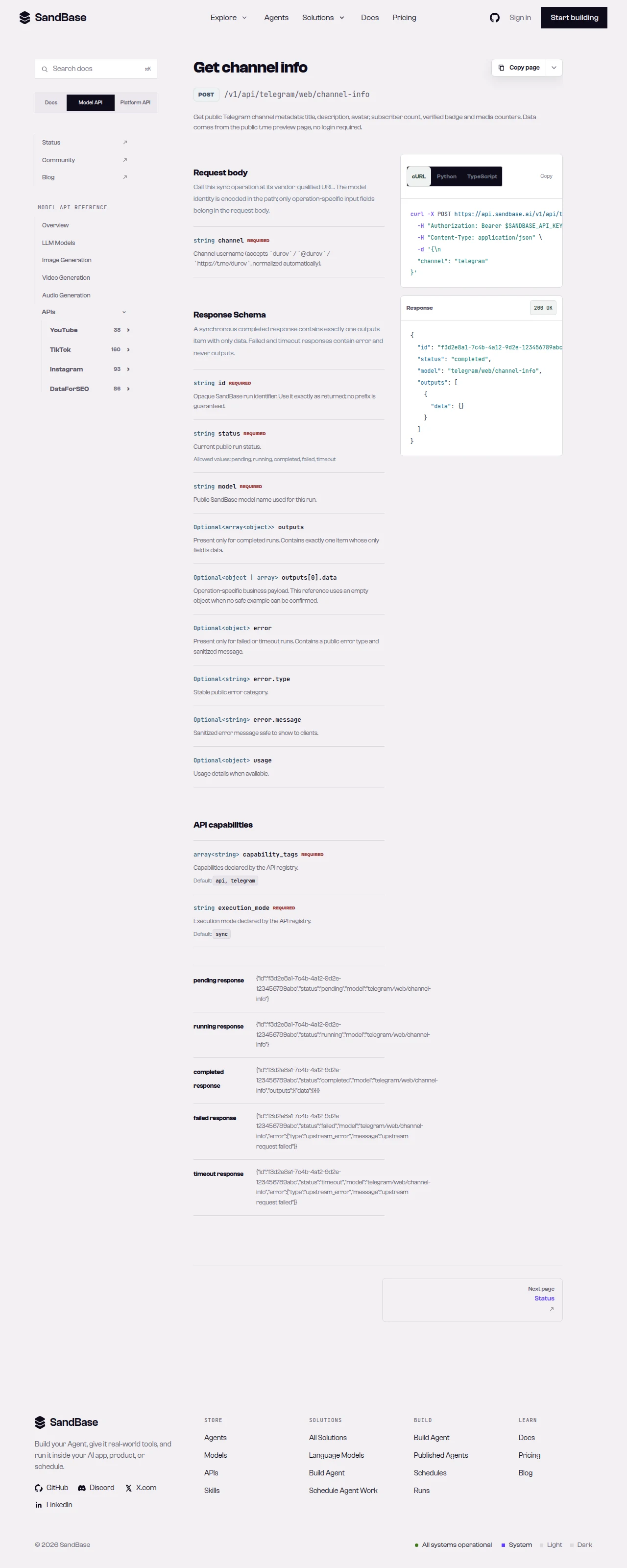 Read each endpoint’s schema; field names and formats can differ by endpoint.
Putting it together
A minimal channel-search pass looks like this — baseline once, search, then rank:
CHANNEL = "telegram"
QUERY = "update"

info = call("web/channel-info", {"channel": CHANNEL})
matches = search_channel(CHANNEL, QUERY)
report = {
    "channel": info.get("title"),
    "subscribers": info.get("subscribers"),
    "query": QUERY,
    "match_count": len(matches),
    "top": [
        {"id": m.get("id"), "date": m.get("date"), "text": m.get("text")}
        for m in rank_matches(matches)[:10]
    ],
}
Because every call shares the same envelope and the same call helper, adding retries or rate-limit backoff is a one-place change. When you need more than these reads, check the live Telegram listing for the endpoint that fits and confirm its parameters before wiring it in.
Why run this at the API layer
You could stand up an MTProto client and search a channel yourself, but that means a session to manage, reconnects to handle, and a parser to maintain. Reading through one uniform API means your code depends on named JSON fields and a single response envelope. Auth is one key, and because a completed run returns the same { id, status, model, outputs } shape (while a failed or timeout run carries error and no outputs), retries, logging, and error handling live in one helper you write once and reuse everywhere.
That uniformity keeps the workflow composable. Swap the channel for any public one, swap the query for any topic, and the code path is identical. Add a channel-info read on a related channel to widen coverage, and it slots in behind the same helper. Your time goes to what the matches mean for your research, not to keeping a protocol client alive.
Limitations and boundaries
- Public, read-only data only. No posting, bot actions, or private/account-only data.
- In-channel search.
channel-searchsearches within a channel you name; it is not a global Telegram search. - Parameters and shapes follow the upstream surface. A
channelis a username;queryis your keyword; a reach field may be a formatted string. Inspect a real response and read the schema first. - Rate and volume. Treat responses as best-effort reads; retry with backoff on transient errors such as HTTP 429, and pace your requests.
- Verify against the live reference. Availability and fields can change; confirm before building on a specific endpoint.
FAQ
Do I need a Telegram bot token or login?
No. You authenticate to SandBase with your SANDBASE_API_KEY. This workflow reads public channel data and needs no Telegram account, bot token, or MTProto session on your side.
Is channel-search a global search across Telegram?
No. It searches within the channel you specify. Pass the channel username plus your query; to cover several channels, run the search once per channel.
Can I read private chats or groups? No. This workflow is public channel data only. Private chats, groups, and account-authorized content are out of scope.
Build it
Create a SandBase API key, baseline a channel, and search it by keyword. When you are ready: